
Timestamp app recommendation
How to choose a timestamp app when you want date, time, location, and address on photos, plus how DateCamera helps on Android.
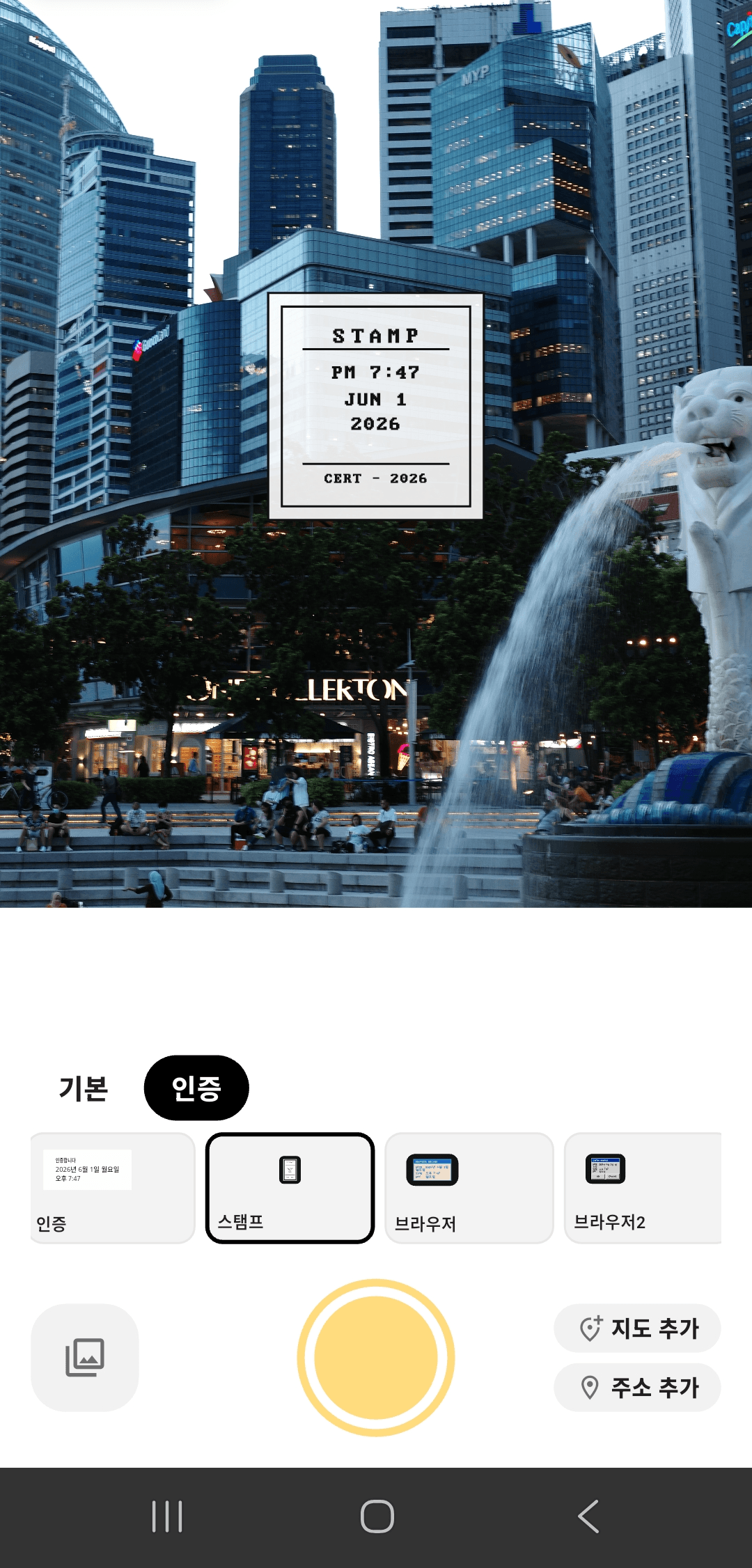
What a good timestamp app needs
A timestamp app should keep the important context readable without slowing down the moment you need to capture.
Readable date and time
The date and time must be visible on the photo and not disappear into the background.
Optional location and address
For visits, field work, and travel records, address information can make the photo easier to verify.
Templates for the record type
Simple stamps are good for daily photos, while table or proof styles work better for evidence records.
Start with readability
A timestamp is useful only when it can be read quickly. Look for a layout that keeps date and time separate from the busy parts of the image.
DateCamera includes table, address, and stamp styles so you can choose a layout that fits the photo instead of editing afterward.
Use location when the place matters
If the photo is for a site visit, delivery, inspection, or work record, location context matters as much as time.
Turn on address display when needed, and keep it off for personal photos that only need a date stamp.
Recommended for
DateCamera is a good fit when you want the stamp to be applied while shooting.
- People who need date stamps on photos
- Users who want time and location together
- Teams that take visit, inspection, or worksite photos
- Anyone who records receipts, study logs, workouts, or travel with photos
Questions about timestamp apps
Try DateCamera for your next proof photo.
Add date, time, and address at the moment you shoot.