
Timestamp time and location
How to show time and location together on photos, choose a timestamp position, and use templates for clear records.
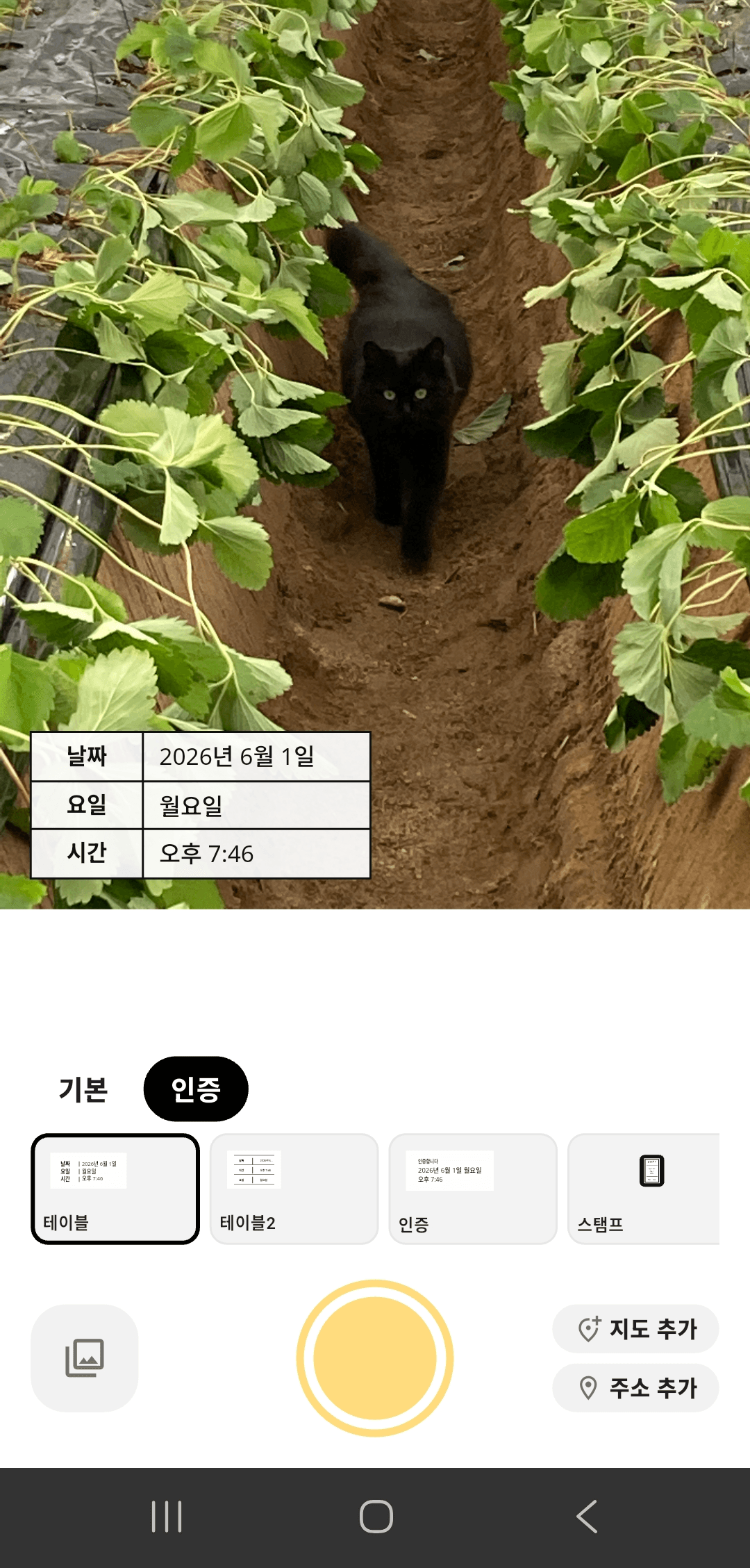
What to keep visible
Time and location are most useful when they are grouped clearly and do not cover the important part of the photo.
Time
Show shooting date and time so the moment is easy to verify later.
Location
Add address or location details when the place is part of the record.
Placement
Choose a layout that keeps the stamp readable without hiding the subject.
Put time and place in one readable block
For work reports or visit records, grouping date, time, weekday, and address makes the photo easier to scan.
A table template is useful when several details need to be read exactly.
Use a smaller stamp for casual photos
When the photo itself matters more than the proof details, use a smaller stamp layout.
This keeps the record on the image while preserving the look of the photo.
When the address is long
Long addresses can be hard to read in a compact stamp. Switch to a table or address template when exact location matters.
Time and location questions
Keep time and place together.
Choose a template that makes the record easy to read later.